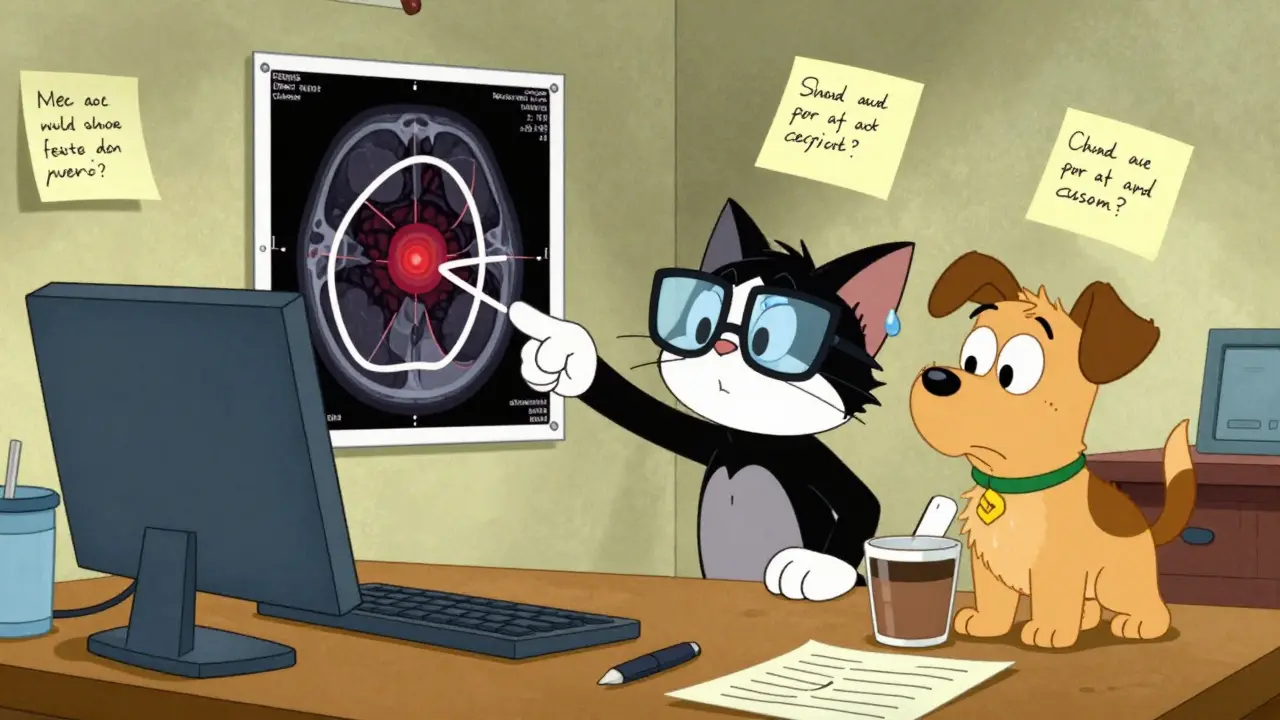
When you're working with labeled data for machine learning, even small mistakes in labeling can wreck your model’s performance. You might think your dataset is clean because it was annotated by professionals, but studies show that labeling errors are more common than you’d expect. In fact, even top-tier datasets like ImageNet have around 5.8% of their labels wrong. That might sound small, but in real-world applications - like medical imaging or autonomous driving - those errors can mean life-or-death consequences. The good news? You don’t have to accept them. Recognizing these errors and knowing how to ask for corrections is a skill every data team needs.
What Labeling Errors Actually Look Like
Labeling errors aren’t just typos. They’re subtle, systematic mistakes that creep into datasets during annotation. Here are the most common types you’ll run into:- Missing labels: An object or entity isn’t labeled at all. In autonomous vehicle data, this could mean a pedestrian isn’t marked - and your model learns to ignore them.
- Incorrect boundaries: The box drawn around an object is too big, too small, or misaligned. In medical scans, this might mean a tumor is labeled as 10% larger than it really is.
- Wrong class assignment: A cat is labeled as a dog, or a drug interaction is tagged as a side effect. This confuses the model’s understanding of categories.
- Ambiguous examples: A photo shows two overlapping objects, and the labeler picked one, but both should’ve been labeled. Or a text snippet could reasonably belong to two categories.
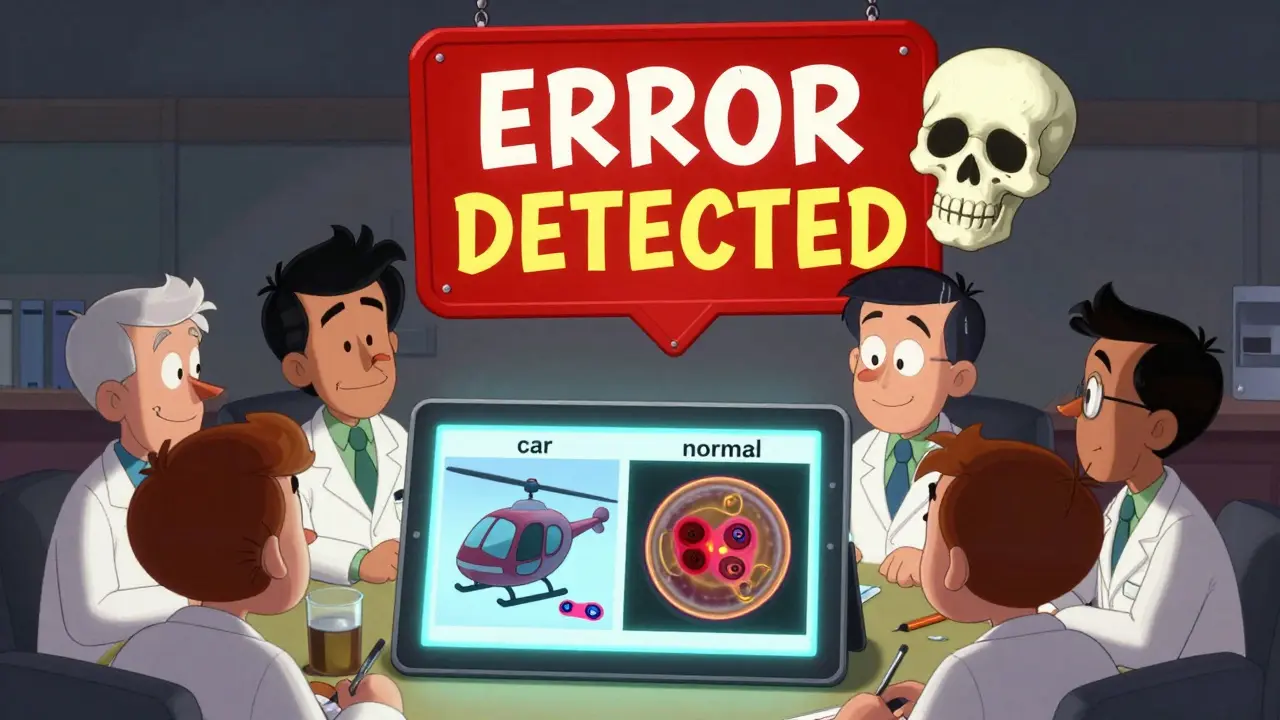
- Out-of-distribution examples: A photo of a helicopter gets labeled as a “car” because the annotator didn’t know what a helicopter was. These are especially dangerous because they introduce noise your model can’t learn from.
According to MIT’s Data-Centric AI research (2024), 41% of errors in entity recognition tasks involve wrong boundaries, and 33% involve misclassified types. In text classification, 15% of errors come from examples that don’t fit any category at all. These aren’t random mistakes - they’re patterns rooted in unclear instructions, rushed work, or lack of domain expertise.
How to Spot Them - Even Without Coding
You don’t need to be a data scientist to find labeling errors. Here’s how to start:- Look at the edge cases: Focus on samples that are hard to label. If you’re reviewing medical images, check the ones that took annotators the longest to decide on. These are often the most error-prone.
- Compare similar examples: Group together images or text snippets that should be labeled the same. If one looks completely different but has the same label, that’s a red flag.
- Check for class imbalance: If 95% of your data is labeled “normal” and only 5% is “abnormal,” ask: Are you missing real abnormalities? Or are you mislabeling them as normal?
- Use tools with built-in detection: Platforms like Argilla, Datasaur, and Label Studio now include error detection features. They don’t require coding - just upload your data and let the system flag suspicious labels.
One team at a health tech startup used Argilla’s error detection on a dataset of 8,000 patient notes. The tool flagged 412 potential errors. After human review, 287 were confirmed - and 92 of those were critical misclassifications of drug interactions. Fixing those alone improved their model’s accuracy by 11%.
When to Trust the Tool - and When Not To
Tools like cleanlab use statistical methods to estimate which labels are likely wrong. They’re powerful, but they’re not perfect. Here’s how to interpret their results:- High-confidence flags: If a tool says a label is wrong with 90%+ confidence, treat it as a strong candidate for correction.
- Low-confidence flags: These are often edge cases or ambiguous examples. Don’t auto-correct them - flag them for human review.
- Systematic bias: If the tool keeps flagging labels from one annotator or one category, it might mean the instructions were unclear, not that the label is wrong.
Dr. Rachel Thomas from the University of San Francisco warns that algorithms often misidentify minority classes as errors. For example, if your dataset has rare diseases, the tool might flag correct labels as noise because they’re unusual. Always pair algorithmic detection with expert review.
How to Ask for Corrections - Without Burning Bridges
Asking for corrections isn’t about pointing fingers. It’s about improving quality. Here’s how to do it effectively:- Start with data, not opinions: Instead of saying “This label is wrong,” say: “Here’s the sample, here’s what the tool flagged, and here’s why we’re unsure. Can we review it together?”
- Show context: Share 3-5 examples side by side. Visual comparison makes patterns obvious. A group of 5 images where all tumors are labeled the same way except one? That’s easier to fix than a list of 50.
- Reference guidelines: If you have labeling instructions, link to the exact section. If you don’t - create one. Clear guidelines reduce 68% of labeling mistakes, according to TEKLYNX’s analysis.
- Offer solutions: Don’t just say “this is wrong.” Say: “I think this should be labeled as ‘Type B’ based on guideline section 4.2. What do you think?”
One pharmaceutical team used this approach after discovering that 37% of their drug interaction labels were inconsistent. They held a 30-minute training session with annotators, showed 12 real examples, and updated their guidelines. Within two weeks, labeling accuracy jumped by 34%.
Build a Process - Not a One-Time Fix
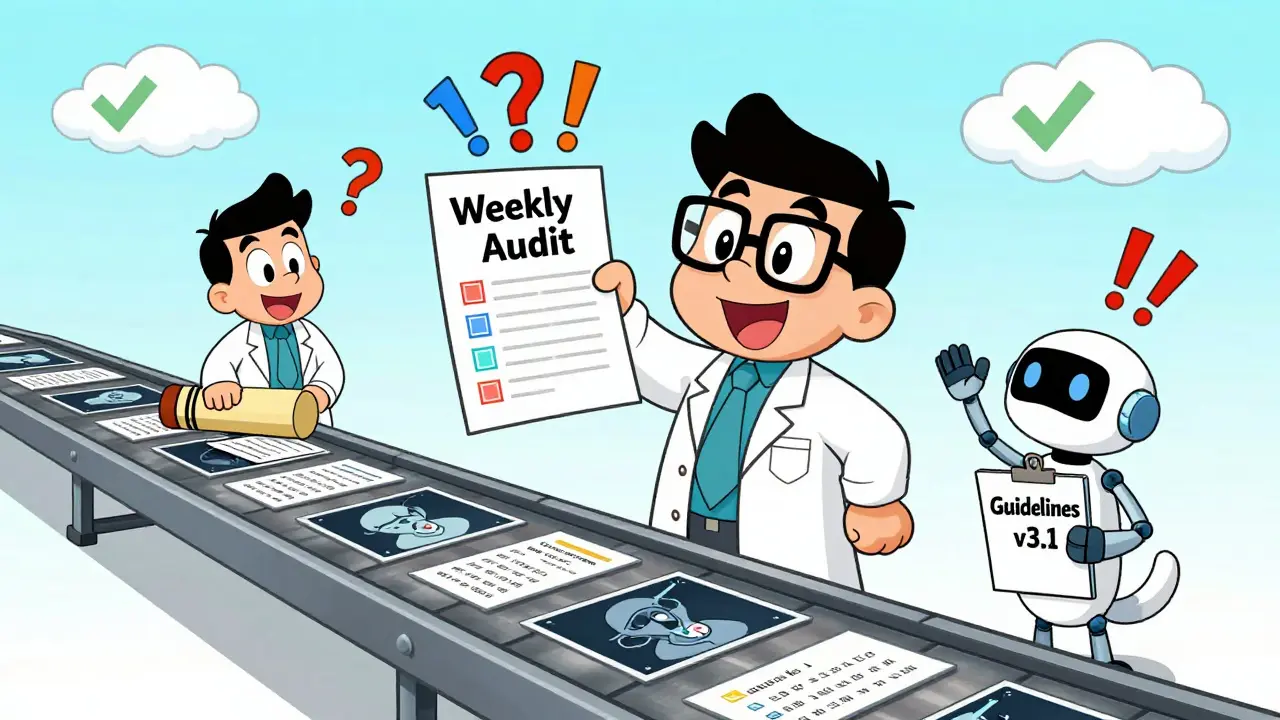
Labeling errors won’t disappear after one cleanup. They come back. That’s why you need a repeatable workflow:- Version control for labels: Every time guidelines change, save a new version. This lets you trace where errors came from.
- Multi-annotator review: Have at least two people label the same sample. If they disagree, flag it. Studies show this cuts errors by 63%.
- Weekly audits: Pick 50 random samples each week and review them. It takes 15 minutes. The payoff? Catching errors before they train your model.
- Feedback loops: Let annotators report confusion. Their input often reveals gaps in instructions you didn’t know existed.
Encord’s case study with a medical imaging company showed that after implementing weekly audits and multi-annotator reviews, their label error rate dropped from 12.7% to 2.3% over six months. That’s not magic - it’s process.
Why This Matters More Than You Think
Curtis Northcutt from MIT put it bluntly: “Label errors can hurt model performance more than bad architecture.” Fixing just 5% of label errors in a dataset improved accuracy by 1.8% - and that’s on a clean dataset. In real-world systems, the gain is often much higher.Regulators are catching on too. The FDA’s 2023 guidance on AI in medical devices now requires “rigorous validation of training data quality.” If you’re working in healthcare, finance, or autonomous systems, you’re not just improving a model - you’re complying with standards.
And it’s not just about accuracy. It’s about trust. If your model makes a mistake because of a mislabeled image or text, who do people blame? The engineers? The data team? Or the system itself? You can’t fix a model if the data is broken. But you can fix the data - if you know how to look.
How common are labeling errors in real datasets?
Labeling errors are more common than most teams realize. Industry reports show error rates between 3% and 15% across commercial datasets. Computer vision datasets average 8.2% errors, while medical and text datasets often run higher due to complexity. Even well-known datasets like ImageNet have around 5.8% errors, according to MIT’s 2024 research.
Can I fix labeling errors without coding?
Yes. Tools like Argilla, Datasaur, and Label Studio offer web-based interfaces that detect and flag potential labeling errors without requiring Python or ML expertise. These platforms let you view flagged samples, compare them side by side, and correct them directly in the browser. They’re designed for annotators, data managers, and domain experts - not just data scientists.
What’s the best way to prevent labeling errors before they happen?
Clear, detailed labeling guidelines with visual examples reduce errors by up to 47%. Train annotators on edge cases, provide a feedback channel for confusion, and use multi-annotator consensus for critical tasks. Version-controlling your guidelines also prevents "midstream tag additions" - a common source of inconsistency.
Do I need to correct every flagged error?
No. Algorithmic tools flag potential errors, not confirmed ones. Some flagged samples are ambiguous, not wrong. Always involve a human reviewer - preferably a domain expert - to verify each flag. A 90%+ confidence flag is a strong candidate; anything below 70% should be reviewed manually.
How long does it take to clean up labeling errors?
It depends on the dataset size and error rate. For 1,000 samples with 10% errors, expect 2-5 hours of human review time. Using multi-annotator review adds 30-60 minutes per flagged sample. Teams that build this into their workflow (e.g., weekly audits) find it takes less than an hour per week once the system is in place.
What tools are best for detecting labeling errors?
For non-technical users: Argilla and Datasaur offer intuitive interfaces with built-in detection. For technical teams: cleanlab provides deeper statistical analysis and works with custom models. Encord Active is strong for computer vision, while Renumics Spotlight excels at image classification. Choose based on your data type - text, image, or tabular - and your team’s skill level.
 How to Set Up Medication Budgeting and Auto-Refill Alerts
 Levaquin Antibiotic: Key Facts, Side Effects, and Safer Alternatives
 How to Handle Prescription Transfers Between Countries: A Practical Guide for Travelers
 Blood Pressure Medication Safety in Older Adults: Managing Orthostatic Hypotension Risks
 Psychosis Early Warning Signs: A Guide to Coordinated Specialty Care
Dylan Patrick
March 13, 2026 AT 22:10Just saw a labeler miss a pedestrian in a crosswalk because the annotation tool auto-cropped the image. 5.8% error rate? That’s lowballing it. I’ve seen 12% in real-world edge cases. And no one talks about how annotators get paid pennies to make life-or-death calls. We’re outsourcing moral responsibility to gig workers.
Fix this before your self-driving car decides a kid is "background noise."
Kathy Leslie
March 14, 2026 AT 21:58Y’all are overthinking this. I work in med imaging. We just do weekly spot checks. 10 random samples. 15 minutes. If something looks weird, we flag it. No tools. No code. Just eyes.
Also, give annotators snacks. It helps.
Amisha Patel
March 16, 2026 AT 15:40Same. We had a dataset where "tumor" and "cyst" were mixed up 30% of the time. Turned out the guideline said "label all dark spots" but didn’t show examples of cysts. We added 4 images. Error rate dropped to 4%.
Guidelines > tools. Always.
Elsa Rodriguez
March 17, 2026 AT 03:02OMG I CRIED reading this. I worked on a dataset for a stroke detection model and one annotator labeled EVERYTHING as "normal" because they were bored. We didn’t catch it until the model started telling people they were "fine" while bleeding into their brain.
Someone needs to fire someone. Like, now. This isn’t a bug. It’s a crime.
Serena Petrie
March 17, 2026 AT 20:38Tools don’t fix lazy annotators.
Buddy Nataatmadja
March 17, 2026 AT 23:26Back in Jakarta, we had a dataset where "motorcycle" and "scooter" were confused because the labelers didn’t know the difference. Local knowledge matters. You can’t outsource context.
Also, coffee breaks help. A lot.
mir yasir
March 18, 2026 AT 22:57The assertion that labeling errors are primarily due to poor guidelines is empirically unsound. The root cause lies in the epistemological inadequacy of subjective annotation paradigms under capitalist labor conditions. One cannot reduce ontological ambiguity to procedural checklists.
Furthermore, the cited MIT study lacks peer-review validation. I recommend consulting the 2022 Journal of Machine Learning Ethics for a more rigorous framework.
Stephanie Paluch
March 19, 2026 AT 22:10This is so true 😭 I just fixed 12 labels in our dataset today and felt like a hero 🙌
Also, I started giving annotators little gold stars when they catch their own mistakes. It’s weirdly motivating. 🌟
PS: Argilla is my soulmate now.
Rex Regum
March 20, 2026 AT 03:15Everyone’s missing the point. The real problem isn’t labeling errors - it’s that we’re even USING human annotators. Why not just train GPT-4 on the dataset and let it label itself? Humans are the error. Not the fix.
Also, why are we still using 2020-era tools? This is 2024. We’re doing AI with clipboards.
Kelsey Vonk
March 20, 2026 AT 14:44There’s something beautiful about how broken this system is. We build AIs to see the world clearly - but we feed them lies whispered by overworked strangers on Zoom.
Maybe the real question isn’t how to fix labels…
But how we justify asking people to do this work at all.
Just thinking out loud. 🤔